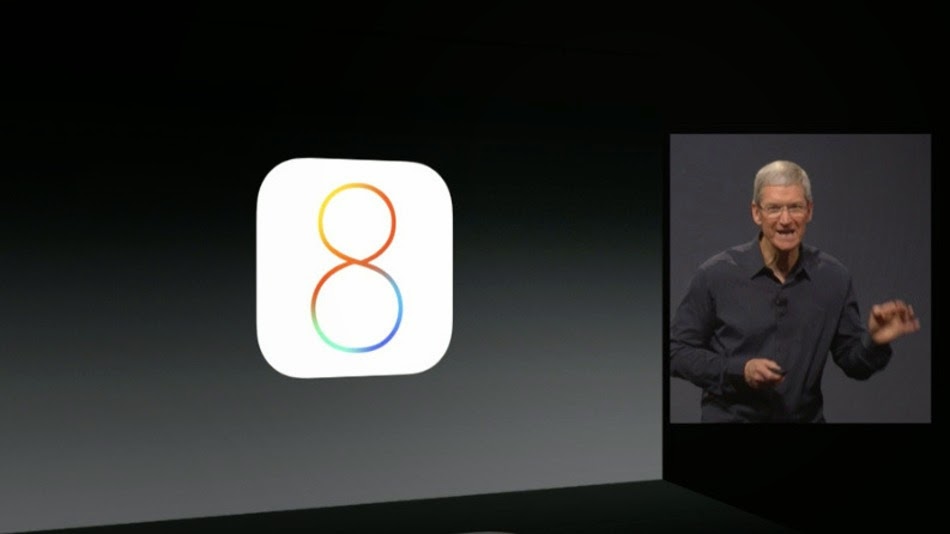
Apple has unveiled iOS 8 at its annual Worldwide Developers Conference.
The new version of iOS, which will soon come to iPhones and iPads, includes many new features.
iOS 8 brings Active Notifications, enabling users the ability to
respond to notifications without launching the app it comes from.
Swiping notifications will bring up a pair Accept/Decline buttons.
Apple is also bringing an enhancement to the multi-tasking app
screen, accessible by double-clicking the Home button. In addition to
showing all apps running, the screen shows a scrolling strip of favorite
contacts, identified by photos, along the top of the screen. Tap one,
and you'll be able to call, message or FaceTime the contact.
Mail is enhanced, too, letting you pull down an email draft so you
can perform another task while composing email. Similar to
notifications, swiping an email in to the side will delete it.
Apple added some enterprise features in iOS 8. Users can subscribe to
specific message threads called VIP threads, calendars can share "busy"
information with an organization, and iCloud can work with third-party
storage providers like Box and OneDrive.
The keyboard in iOS brings an upgrade that Android users will find
familiar: predictive typing. As you type, suggestions for what you may
type next appear above the keyboard. The suggestions can adapt depending
on who you're talking to — for example, the sentence "The meeting
was..." could get suggestions like "rescheduled/cancelled" for one
contact and "epic/awesome" for another.
Messages have a set of upgrades, including location sharing, the
ability use of the iPhone's Do Not Disturb feature to mute notifications
from a specific thread, and a new feature called Tap to Talk, which
lets you speak and send an audio message the recipient can play back
(but doesn't convert the speech to text). Details of the contacts you
are talking to within a conversation are a tap away in the new "Details"
button in the top right of any screen.
The Messages app also takes advantage of the iPhone's sensors: You
can reply to a message — either with a call or an audio message — by
simply raising the phone to your ear.
iCloud Drive, a new feature in OS X 10.10 Yosemite, also comes to
iOS. Storing and editing documents in the cloud — with different kinds
of apps — is enabled through the service, and it's compatible with
Windows devices, too.
iOS 8 has a larger emphasis on fitness through an app simply called
Health. It's supported by a service called HealthKit, which lets gives
health and fitness app developers a centralized place on the iPhone to
integrate their software with. Apple is also working with health
providers to get the most out of the service.
iOS 8 also includes Family Sharing, which finally adds a
long-requested feature: linking Apple IDs. With family sharing, up to
six family members can share any iTunes content that any of them has
purchased, and if one family member tries to buy an app or in-app
purchase, the credit-card holder will get a notification, allowing them
to grant or deny the request.
Apple unveils new software for both its mobile (iPhone and iPad) and
desktop (Mac) platforms every June at WWDC. Rumors about the
introductions have circulated for the past few months, including a dramatic design overhaul for OS X and a possible smart home initiative. The new software typically launches in the fall, alongside new hardware.
Source: 



 Chung-Ang University, one of South Korea’s top 10 schools, will be accepting computer gamers into the school as “athletes.”